
Skip to content

Manage Construction Training Across Job Sites

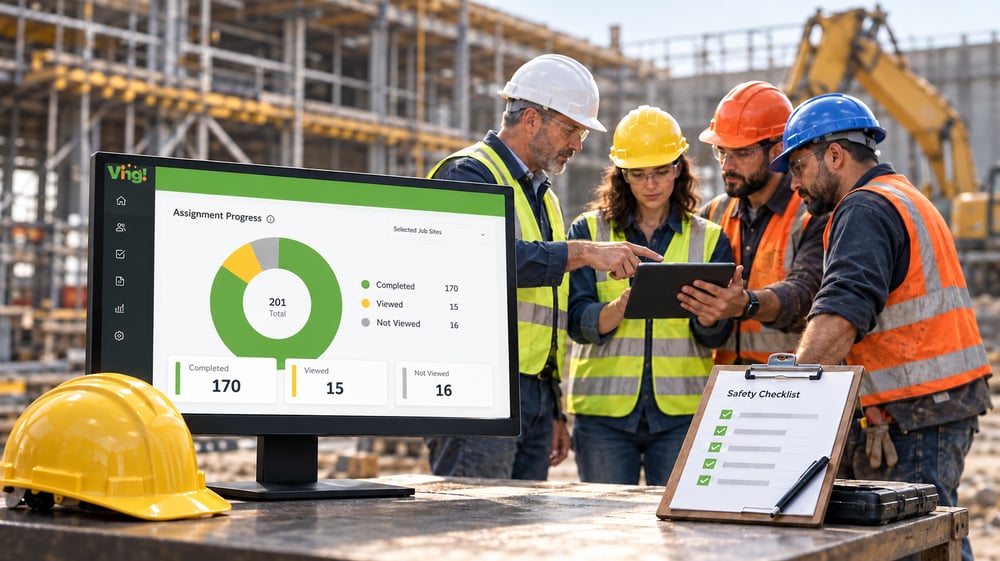
Give safety managers, operations teams, and crew supervisors one place to assign training, review completions, and organize supporting documents as workers move between projects. Use Ving training courses alongside your company policies, toolbox talks, and site-specific instruction.

Safety training and toolbox talks

Schedule weekly toolbox talks and set recurring assignments for training that needs to repeat. Share talks with crews by text, email, or QR code, or record participation in person. Review who completed training and who still needs follow-up across job sites.

Job-site and customer requirements

Organize training and supporting records around the requirements that apply to your crews, projects, and customers.

Company policies and procedures

Share your own procedures and updates, record participation, and review which assigned activities need follow-up.
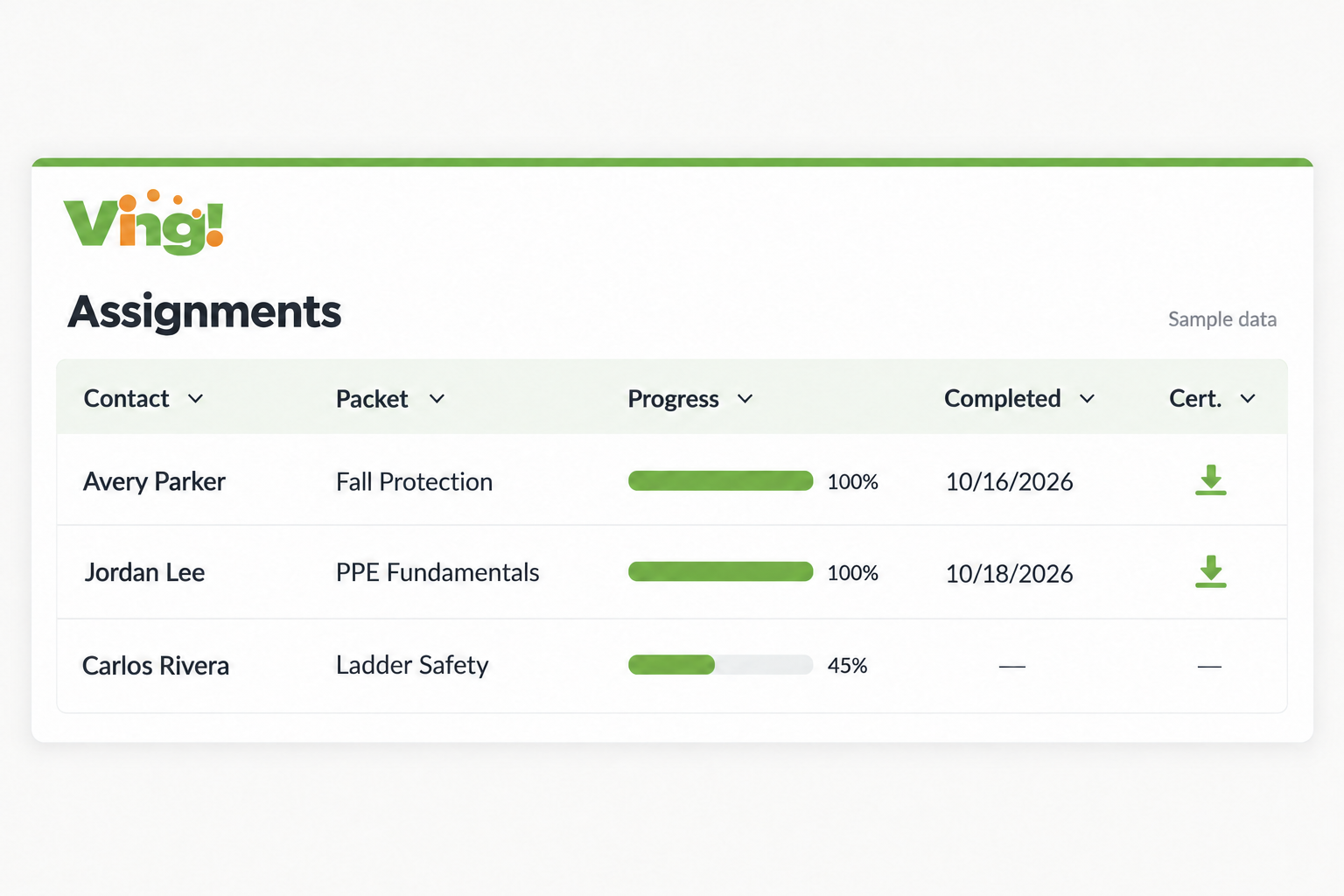
Ving Learner Progress Dashboard

Check Crew Records Before the Next Job

Review completed training, missing records, and follow-up items before moving a worker to a new task or job site.

Record Construction Inspections with Smart Checklists

Use Ving Smart Checklists to collect job-site and equipment inspection responses in a consistent format. Schedule recurring checks, review supporting information, and follow up on recorded findings according to your inspection process.

Document the check

Give crews a consistent checklist for the task or equipment being reviewed.

Schedule recurring checks

Set up recurring checklist assignments based on your inspection process.

Review recorded responses

Keep completed checklists and supporting information available for manager review.

Follow up on findings

Use recorded responses to identify items that need investigation, correction, or another review.

Find Missing Training. Focus Your Follow-Up.

Review construction crew assignments and supporting records, then export the information you need.

Find crew records

Review assigned training, completion information, and uploaded documents together.

Focus your follow-up

Use status information to identify incomplete assignments and records that need review.

Export reports

Filter and export assignment records for reviews and documentation requests.
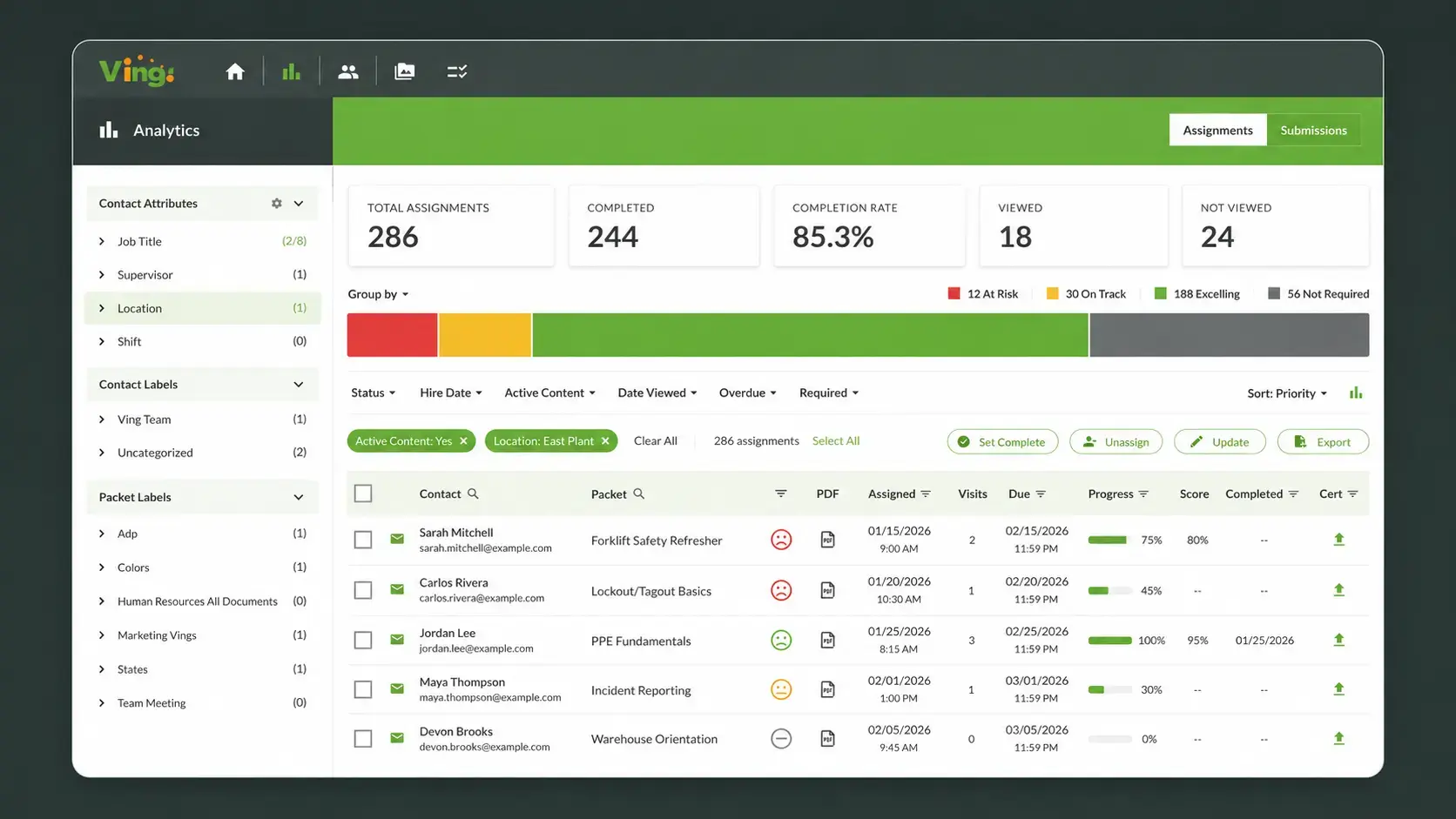
Ving analytics assignments dashboard with fictional training completion data

How Neptune Plumbing Connects with Field Crews

Explore how Neptune Plumbing uses Ving for toolbox talks, short training content, and communication with crews in the field.

Build a repeatable review process

workplace injuries

Review training needs

Identify the instruction and documentation needed for the worker’s tasks and location.

timely maintenance

Document equipment checks

Collect checklist responses and supporting details based on your equipment inspection procedures.

fatal four

Keep records current

Review assignments when roles, job sites, equipment, or applicable requirements change.
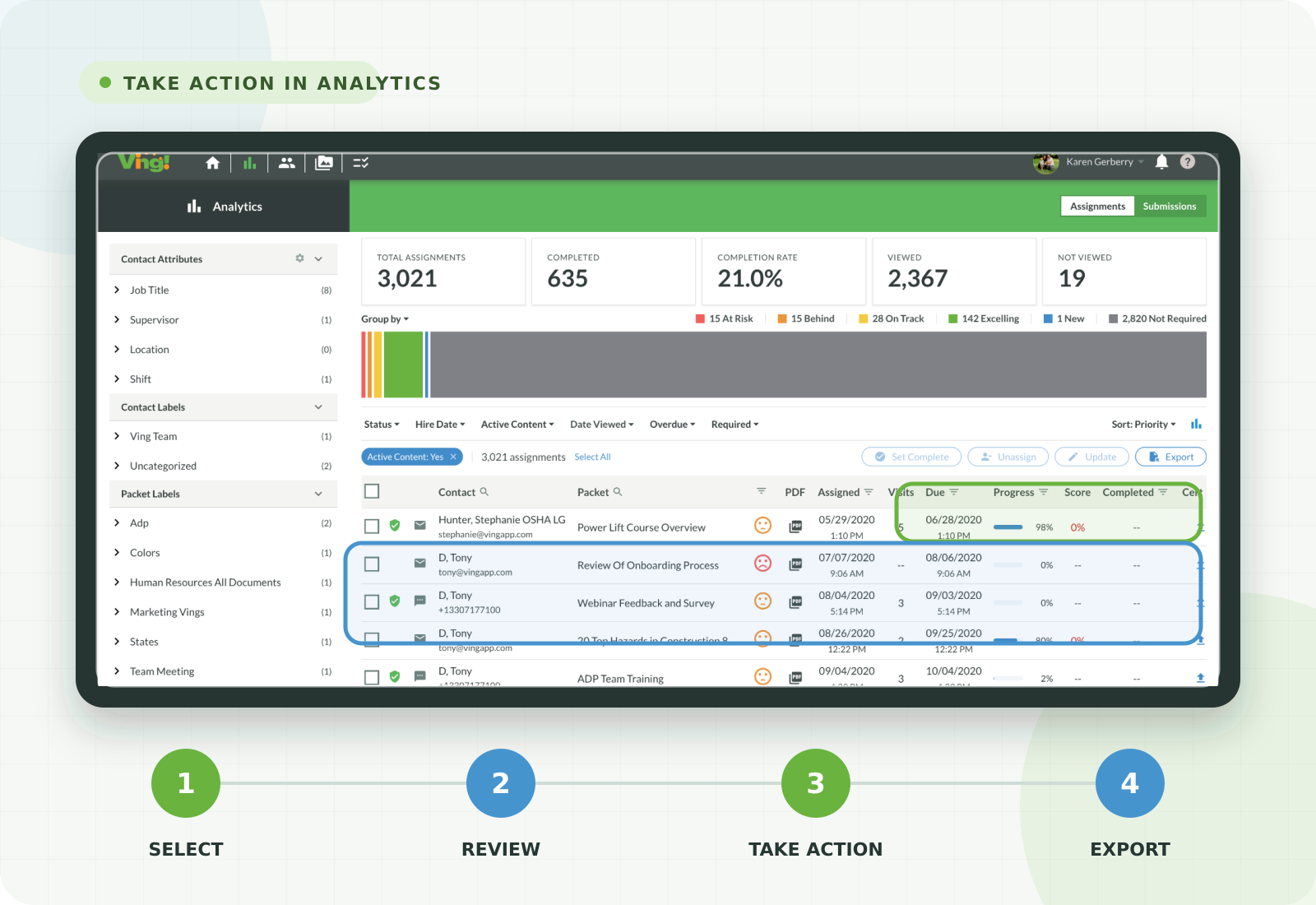
Ving analytics screen showing options to review assignments and export records

Construction Safety Training Software: Frequently Asked Questions

What is construction safety training software?

Construction safety training software helps contractors assign training, track completion, and organize crew records across job sites. Ving brings digital training, toolbox talks, certificates, in-person training records, and inspection checklists into one platform.

Can crews access training on a phone?

Yes. Ving is mobile friendly. Workers can open assigned digital training through supported links on a phone, tablet, or computer without downloading an app.

Can we manage training across multiple job sites?

Yes. Ving lets managers review training and checklist assignments for the workers in their access scope. Filter assignment information to find incomplete activities and organize follow-up as crews move between projects.

Can we track certificates from other providers?

Yes. Upload third-party certificates and keep them alongside training records. Verify each document, its scope, and any applicable renewal requirements.

Can we record in-person training and toolbox talks?

Yes. Ving supports recording participation in in-person training alongside digital assignments, so managers can review those records together.

Can we export construction training records?

Yes. Managers can filter and export recorded assignment information for internal reviews and documentation requests. Review supporting documents and verify the records needed for each request.

Does using Ving guarantee OSHA compliance?

No. Ving helps organize training and records. Employers remain responsible for verifying applicable requirements, worker qualifications, site-specific instruction, and any required evaluations.

Give each person a clear next step

manager

Managers

Review assigned activities, check supporting records, and decide which items need follow-up.

employees

Employees

Access assigned training, complete required activities, and share questions or missing information with a supervisor.

Site Visitors and Contractors

Contractors and site visitors

Share relevant information with the people who need it and maintain records appropriate to your site process.

See How Ving Fits Your Construction Team

Bring a crew-training or recordkeeping challenge to your demo. We’ll walk through assignments, completion tracking, certificates, inspection checklists, and reporting for your workflow.

Schedule a Construction Demo

Still exploring? Request information using the form or review Ving pricing.

Request Information